
How to play
Your first match, the buttons on every device, and what you can do in the lobby.
Your first match
The first time you play, the game sends you straight into a short practice match. You are alone against an easy opponent. It teaches you three things, one at a time.
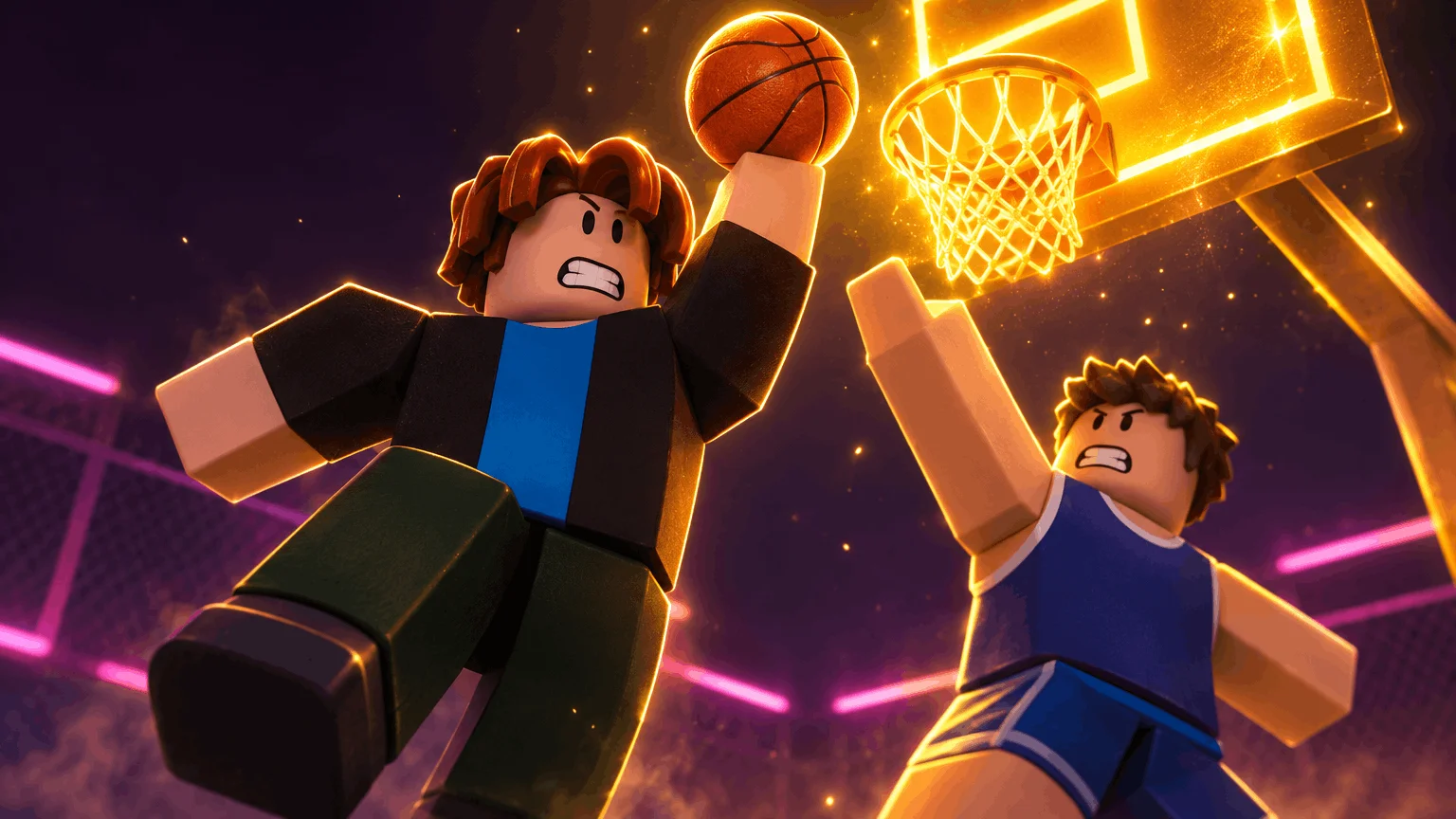
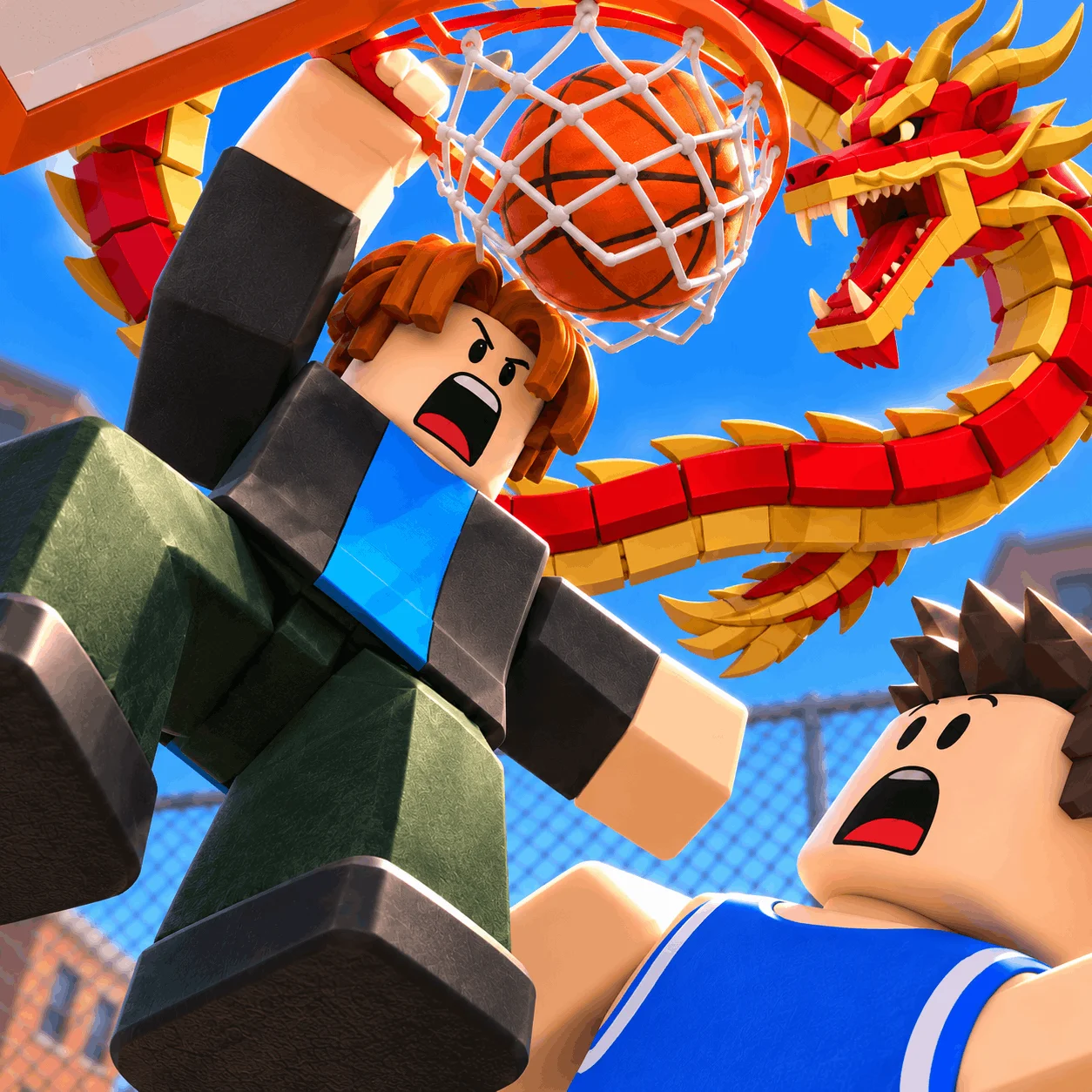
- Score. Walk onto the ball to pick it up. Run to the hoop, jump, then press Shoot. That is a dunk.
- Tackle. Your opponent takes the ball. Run at them and press Tackle to knock them down and take the ball back.
- Win. The clock starts for 20 seconds. Score more than your opponent.
After this match you go to the lobby and choose your own matches.
Sources: First-play tutorial / Tutoriel du premier match · Lobby queues and first play / Files du lobby et premier match
Buttons
The game works on computer, phone, tablet and gamepad. On a touch screen you get big round buttons. On computer and gamepad, the buttons you can use right now are written on the left of the screen.
| Action | Computer | Phone or tablet | Gamepad |
|---|---|---|---|
| Shoot | Hold left click, then let go | Hold SHOOT, then let go | Hold the right trigger, then let go |
| Pass | E | PASS | X |
| Dodge, when you have the ball | F | DODGE | B |
| Tackle, when you do not have the ball | F, or a quick right click | TACKLE | B |
| Jump | Space | The Roblox jump button | A |
| Sprint | Hold Shift | Tap SPRINT to turn it on or off | Hold the left trigger |
Sources: Controls on every device / Touches sur chaque appareil · On-screen controls list / Liste des touches à l'écran
Sprint and jump
Sprinting is much faster than running, but your energy only lasts 3.5 seconds. It refills by itself in about 4 seconds. If you empty it completely, you must wait until it is about one third full before you can sprint again.
You jump high enough to reach the hoop. Be careful: about 1 landing in 7 makes you fall over, so do not jump for no reason.
Sources: Movement, jump and sprint / Course, saut et sprint · Hoop and 3-point line / Panier et ligne à 3 points
The lobby
Between matches you are in the lobby, a basketball square inside a big warehouse. There is no match there. This is where you pick a match, change your look and collect your rewards.
| Button | What it is for |
|---|---|
| PLAY | Choose a kind of match and join it |
| SHOP | Things you can buy with Robux |
| LOCKER | Put on the items you own |
| ITEMS | Things you can buy with coins |
| CODES | Type a code to get a gift |
| REWARDS | Collect gifts for the time you played today |
Sources: The lobby map / Le lobby · The Play menu / Menu PLAY · Lobby menu buttons / Boutons du lobby
Play with friends
Press the plus button in the PLAY menu to invite players who are in the same lobby as you. A group can have up to 3 players. An invitation stays open for 20 seconds.
The leader of the group chooses the match. Everyone in the group joins together and plays on the same team.
Sources: Parties / Groupes d'amis · Lobby queues and first play / Files du lobby et premier match
Leaderboards
Two big boards stand in the lobby. One shows the 100 players who spent the most Robux in the game. The other shows the 100 players who played the longest.
Sources for this page
11
Game in development · synced code, not declared as released. Content may change. Game in development · synced code. Revision e5da927783e9f0b78926e3dca67f9571d76a5399.
- Lobby queues and first play / Files du lobby et premier match —
src/server/services/lobby-service.ts, lines 16–28. - The lobby map / Le lobby —
src/server/services/lobby-map-service.ts, lines 10–24. - Parties / Groupes d'amis —
src/shared/party-config.ts, lines 1–17. - Lobby leaderboards / Classements du lobby —
src/shared/leaderboards.ts, lines 1–34. - Hoop and 3-point line / Panier et ligne à 3 points —
src/shared/ball-config.ts, lines 38–51. - Movement, jump and sprint / Course, saut et sprint —
src/shared/physics-config.ts, lines 7–37. - Controls on every device / Touches sur chaque appareil —
src/client/controllers/action-input-controller.ts, lines 8–19. - On-screen controls list / Liste des touches à l'écran —
src/client/ui/ActionHud.tsx, lines 138–150. - First-play tutorial / Tutoriel du premier match —
src/shared/tutorial-config.ts, lines 5–42.